
SLAYER Console Controls
Xbox and PlayStation pad guidance for menus, combat, Breathing refill, and grab escapes.
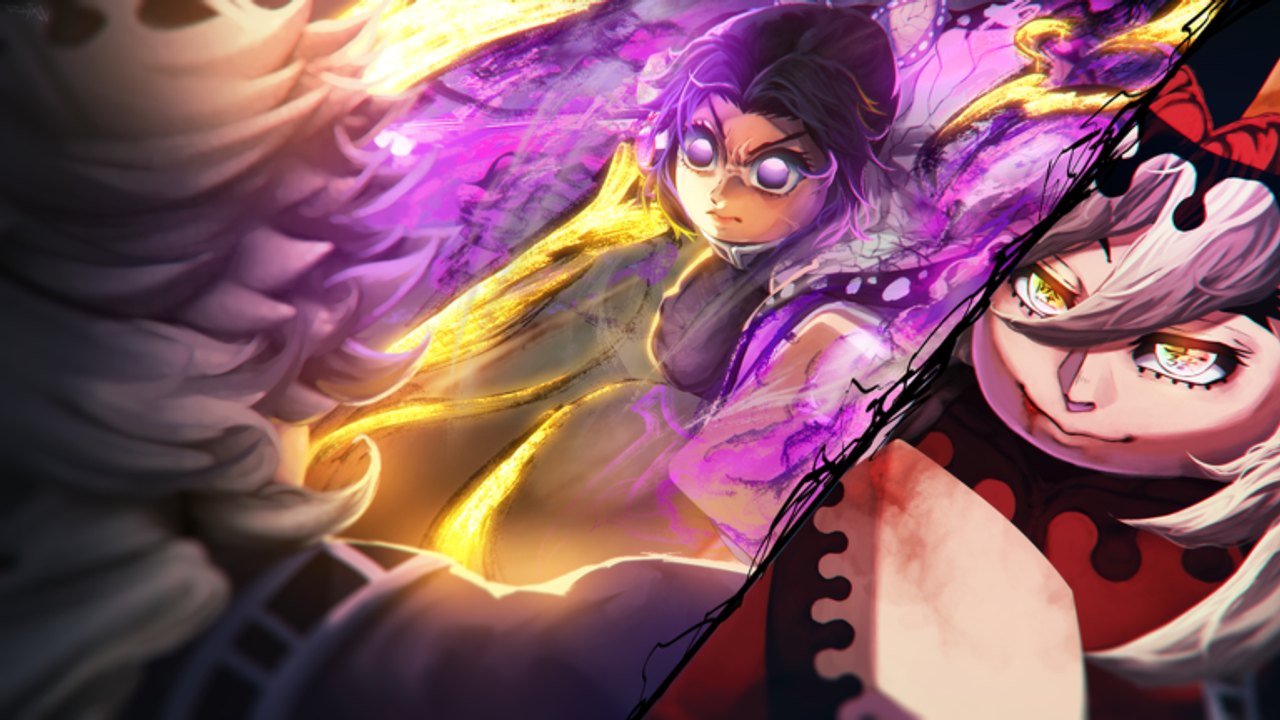
SLAYER by kriel runs on Roblox across PC, mobile, and console. This page helps Xbox and PlayStation players map combat actions when the public Trello console card mixes platform button names. The safest rule during public testing: trust the on-screen prompt in your current client over any static table, including this one. Pair this guide with the PC baseline on Controls and the beginner route on Getting Started.
Place ID 134190081223854 is the correct experience. Confirm you joined kriel’s listing before learning binds on a lookalike title.
Why console docs conflict
Around the late-October documentation wave (the same window that refreshed Codes, Lunar Breathing, and FAQ cards), the public Trello showed Console Controls activity. Community readers noted that some entries mix Xbox-style and PlayStation-style labels on the same card. That is documentation noise, not a reason to quit.
When a glyph on your HUD says one thing and a wiki table says another:
- Follow the HUD glyph for the action you are performing.
- Open Roblox / in-experience settings if remapping is available on your device.
- Re-check Discord or Trello from the Links Hub after a patch.
- Practice in Frozen Shroud before Final Selection.
Action map (prompt-first)
Use this table as a role checklist, then match each role to the glyph your screen shows.
| Role | What it does | Console habit |
|---|---|---|
| Menu / Familiar | Opens travel, Codes, skills, Final Selection queue | Learn this first — Codes and Ivory Passage travel live here |
| Dash | Short reposition | Weave between swings; do not save it only for panic |
| Flashstep | Longer reposition (often gated) | Confirm Final Selection status and weapon perks if it fails |
| Block / timed parry | Defense and punish window | Hold to block; time the press for a parry |
| Guard break | Opens a turtling opponent | Use against real blocks, not empty air |
| Uppercut → downslam | Launch into slam confirm | Practice the two-step rhythm until muscle memory |
| Breathing refill | Restores the Breathing bar | Create space before refilling mid-fight |
| Basic attack (M1) | Primary string | Keep strings short until you can parry consistently |
| Grab escape | Letter / prompt sequence under a timer | Read once, input cleanly, then re-engage |
PC players map many of these to M, Q, F, R, E, and Ctrl/Space + M1. Console players should treat those PC keys as role names when watching YouTube guides, then translate to the pad glyph shown in their own session.
Codes and menus on console
Promo codes still matter on pad. After character creation and the tutorial:
- Open the main / Familiar menu.
- Find the Codes tab.
- Paste or type strings exactly — codes are case-sensitive.
- Redeem one at a time and confirm the toast.
Active strings for November 2026 live on Codes. Large Yen dumps such as FIFTYK are just as useful on console as on PC for training spends.
Combat loop on a controller
A reliable console beginner loop mirrors the PC advice on Combat:
- Approach with dash, not a blind sprint into every pack.
- Open with a short M1 string.
- Time block into a parry when the enemy swings.
- Punish with uppercut into downslam or a short confirm.
- Guard break if the opponent turtles.
- Create space, refill Breathing, then decide whether a style form is available.
- After Final Selection and Nichirin forging, spend forms as confirmed enders — see Nichirin Forging.
If aim assist, camera lag, or trigger dead zones feel off after a patch, check Updates before assuming your style is weak.
Flashstep and gated mobility
Flashstep is frequently gated behind Final Selection completion on documented accounts, and some long-sword perks can block it. If your mobility combo does nothing:
- Confirm you cleared the mountain trial.
- Check equipped weapon perks.
- Verify you are holding the resource / modifier input before the dash input, matching the live prompt.
- Fall back to ordinary dash until the gate opens.
Do not burn Yen rerolling styles because Flashstep is still locked.
Grab escapes under pressure
Demon grabs freeze normal movement and show a timed prompt. On console, that may be a letter sequence, button icons, or a hybrid UI depending on the build. Tips:
- Look at the full sequence once before inputting.
- Do not mash random face buttons.
- Return to movement the moment the grab ends.
- If grabs keep landing, your dash timing is late — create space earlier.
Mobile notes
Mobile shares the same role list with on-screen buttons. Prefer the on-screen labels over desktop key names in YouTube overlays. Thumb placement for block and dash matters more than copying a PC player’s finger choreography.
Practice plan
- Finish Getting Started so tutorial rewards and hub travel are clear.
- Drill block → parry → punish in Frozen Shroud training.
- Redeem Codes for Yen, then buy a few training rounds from Progression.
- Queue Final Selection only after grab escapes feel calm.
- Forge Nichirin, then add Breathing forms from Breathing Styles.
- Skim FAQ if a menu path or wipe rumor confuses you.
Common console mistakes
- Treating a mixed Xbox/PlayStation Trello label as gospel over the HUD
- Skipping Codes because the tab feels buried in the pad UI
- Blaming a Breathing Style when Flashstep is still gated
- Holding block forever instead of learning timed parries
- Entering Final Selection before grab escapes are reliable
Related pages
- Controls — full PC bind table and combat loop
- FAQ — hotbar, wipes, unobtainable styles
- Combat — parry-first fundamentals
- Codes — active promo rewards
- Links Hub — Trello and Discord for control card updates
Play the prompt in front of you. In SLAYER public testing, that habit keeps console players progressing while documentation catches up.
Frequently Asked Questions
Quick answers to the most common questions.
Does SLAYER support Xbox and PlayStation?
Yes. SLAYER runs through Roblox on supported console devices as well as PC and mobile. Always confirm Place ID 134190081223854.
Why do console button names disagree online?
Public Trello console docs have mixed Xbox-style and PlayStation-style labels. Prefer the on-screen prompt in your live client.
Can I redeem codes on console?
Yes. Finish the tutorial, open the menu, use the Codes tab, and paste case-sensitive strings from the Codes hub.
Flashstep does nothing on my controller — why?
Flashstep is often gated behind Final Selection and can be blocked by certain weapon perks. Use ordinary dash until those gates clear.